 Aries Dynamic Island
HelpMAXX FORGE STUDIO ↗
The Dynamic Island
for your Mac.
Live music, word-by-word lyrics, karaoke, vinyl mode, widgets, calls, timers and quick tools — all living in your notch. Free.
macOS 14 Sonoma or later · Apple silicon Macs
Everything, right at the notch
Hover or click the notch and it opens up — just like on iPhone.
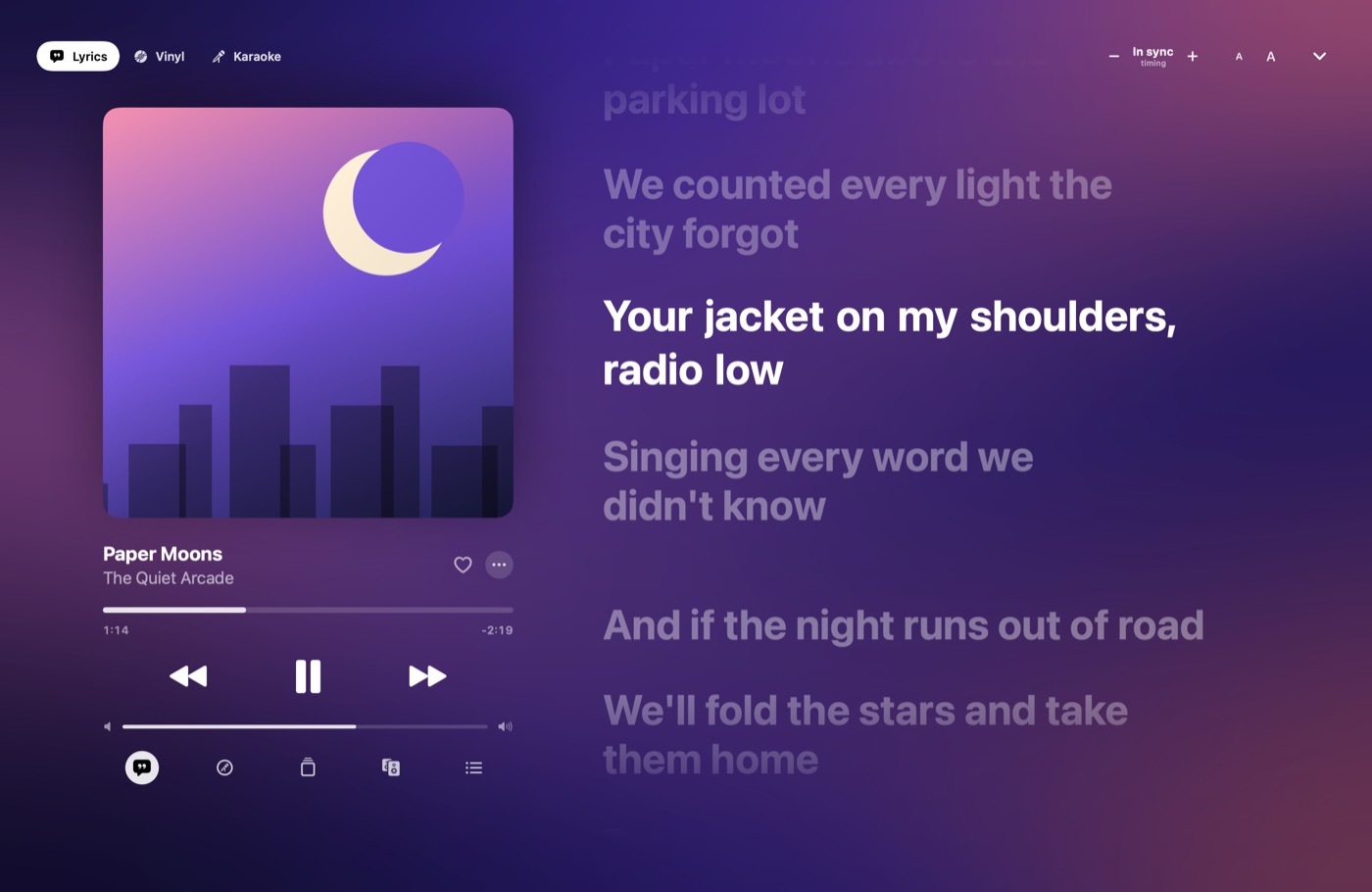
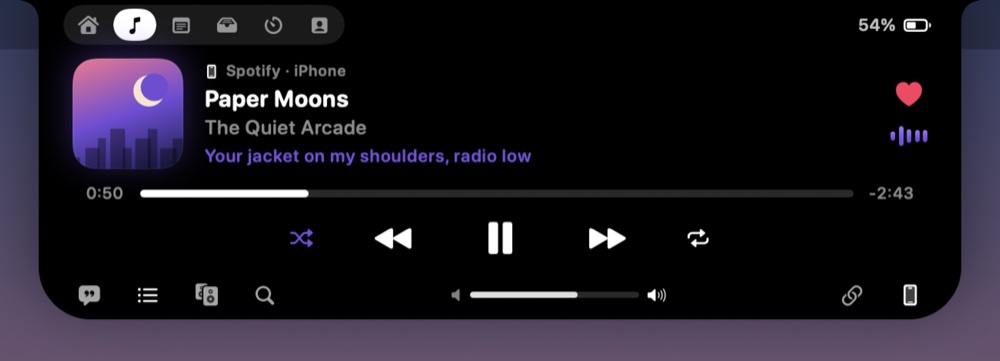
Spotify, Apple Music and more, with album art, controls and a live waveform.
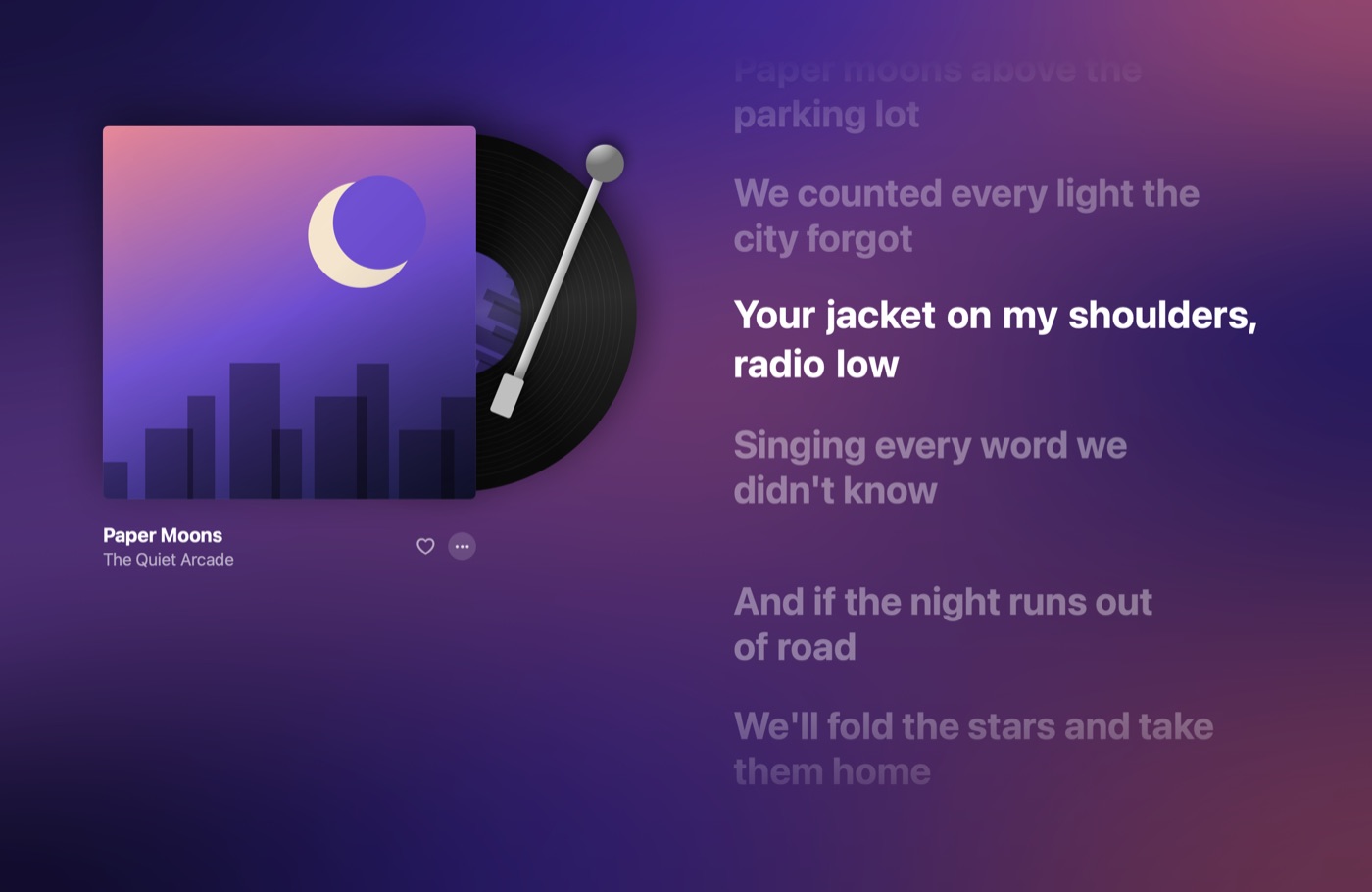
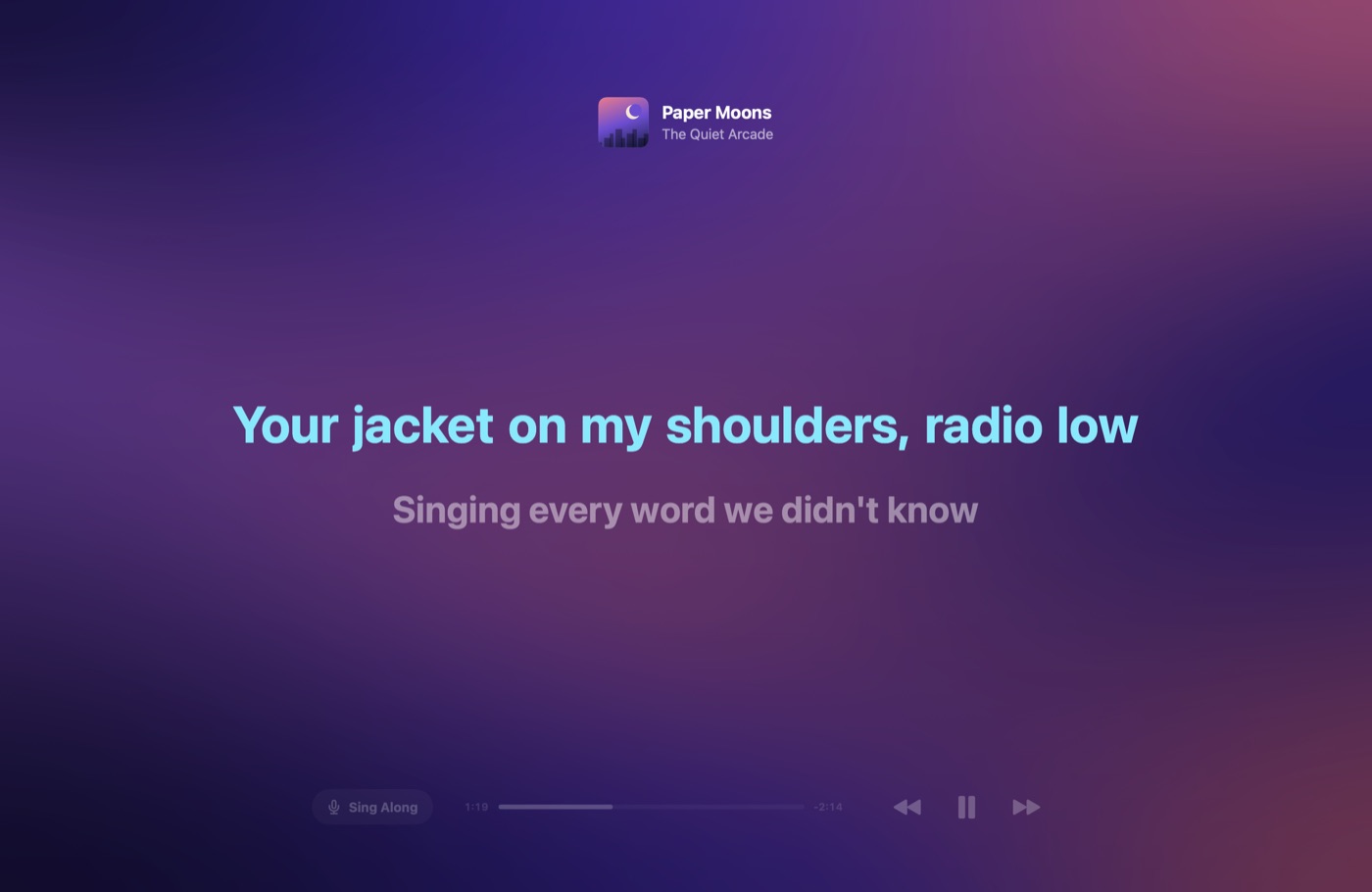
Word-by-word synced lyrics, a full-screen karaoke mode and a singing score.
A spinning record and tonearm for whatever you're listening to.
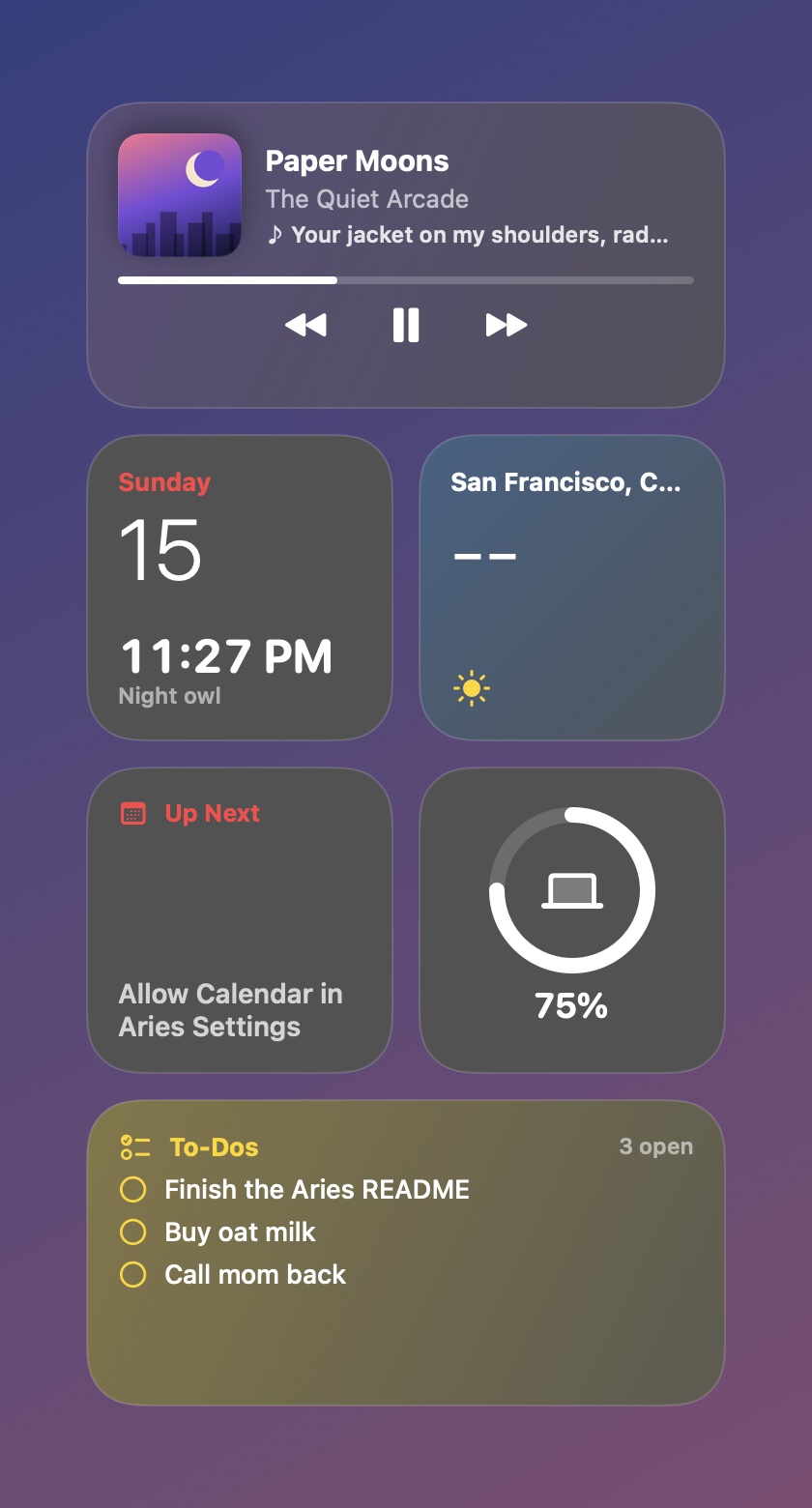
Now playing, clock, weather, calendar, battery and to-dos on your desktop and Lock Screen.
Incoming calls pop out of the notch with answer and decline buttons.
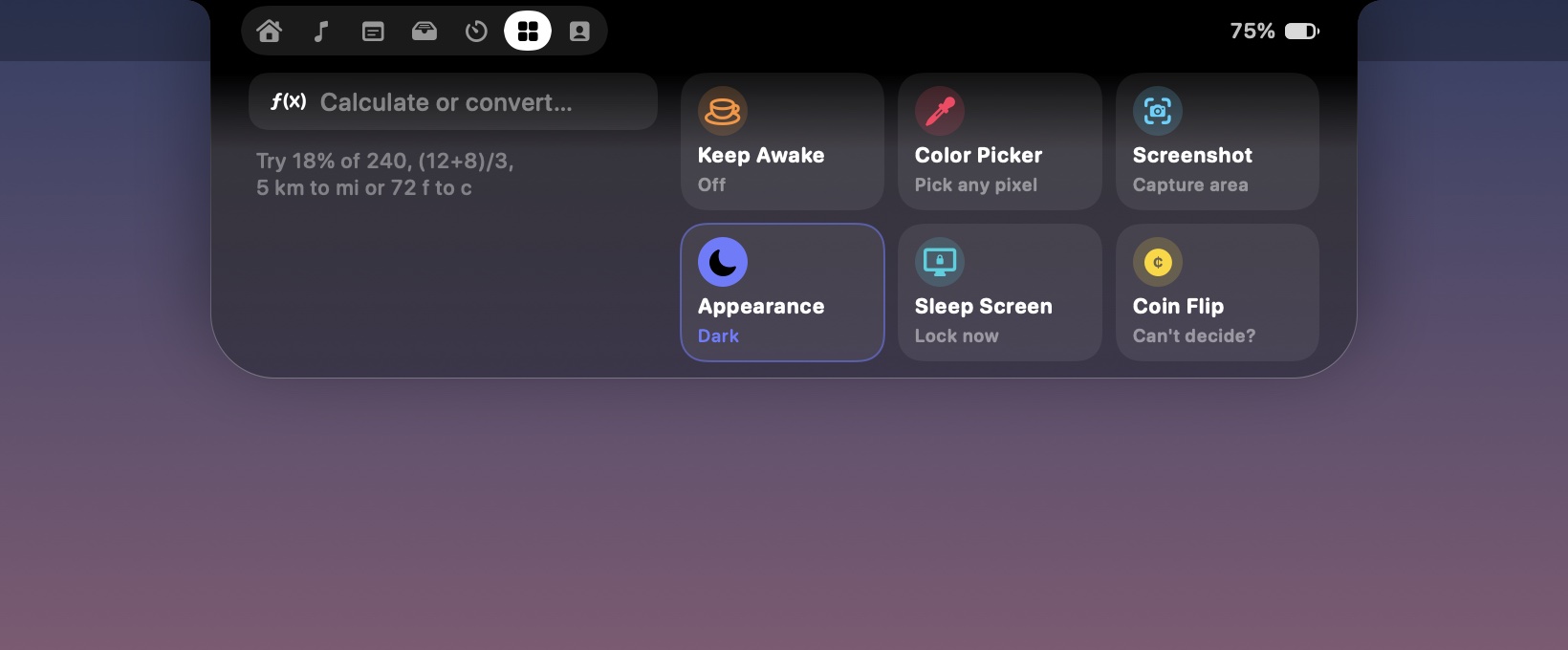
Timers, stopwatch, mirror, notes, calculator, color picker, Keep Awake and more.
Focus modes, Caps Lock, Low Power, Wi-Fi, charging and volume — iPhone-style.
Artist and album pages, your queue, add to playlists and follow artists.
See it in action
Real screenshots from the app.
Patch notes
New patch notes every 1–2 weeks.
Install in a minute
Aries is free. No account, no ads.
- Download the latest
.zipfrom the button above and double-click it. - Drag “Aries Dynamic Island” into your Applications folder.
- First launch: right-click the app and choose Open, then Open again. (macOS asks this once because the app isn't from the App Store.) If it still won't open, go to System Settings → Privacy & Security and click Open Anyway.
- Or use Homebrew:
brew trust maxxforgestudio-del/tap
brew install --cask maxxforgestudio-del/tap/aries-dynamic-island